For writers and authors

Dictate your first draft. Keep your own voice.

Dictate a chapter, scene or article into your editor. Keep your wording, add character names and turn interviews into material you can work with.

Download for Mac

macOS 14+ · Apple Silicon (M1 or later)

30 days to try paid features · No card required · One trial per account and Mac

Example: the first lines of a scene
You say

Mist lay over the river. On the far bank, a single window was still lit.

In your draft

Mist lay over the river. On the far bank, a single window was still lit.

An illustration of dictation that keeps your wording. Review recognition, punctuation and dialogue layout while editing.

The scene is taking shape, but typing every sentence breaks the rhythm. Get the draft into the document, then return to it as an editor.

From spoken thought to working material

Dictate a chapter or a long draft

Tap your dictation key to start continuous dictation. Text appears in chunks in your document. Press again to finish.

Keep your writing voice

Dictation keeps your wording as you said it. It becomes a draft for you to revise.

Use your character names

Add names, places and invented words to your term dictionary so the recognizer can use your spellings.

Work from an interview transcript

Capture a conversation through the microphone or a call app and keep its text. Enable audio recording beforehand if you want to listen again.

See how it works

Three steps to your first result

  1. Prepare the document

    Install VerbaIDE, download the models and add any unusual names to your dictionary.

  2. Speak your draft

    Place the cursor in your editor. Tap the dictation key for continuous dictation, or hold it for a short passage.

  3. Return as an editor

    Read the draft, check names and punctuation, and shape the text into the piece you want.
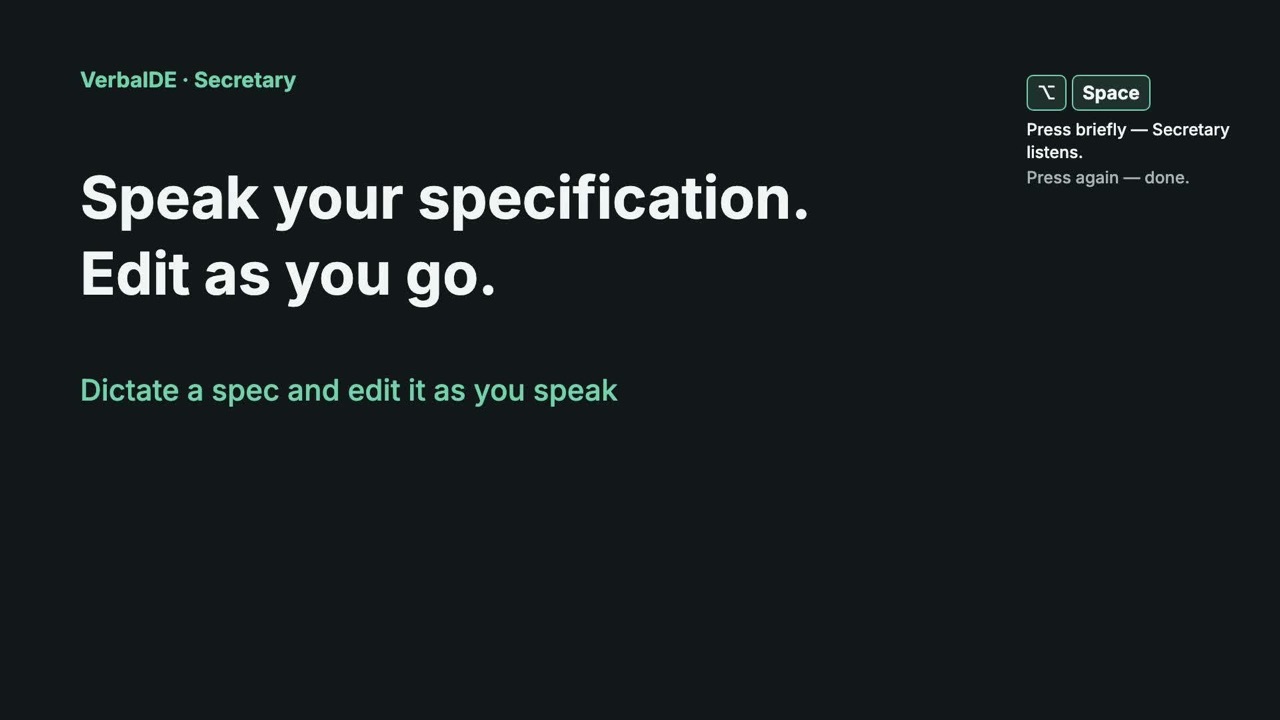
Dictate a spec and edit it as you speak | VerbaIDE
Text in the video

Dictate and edit

Tap ⌥Space briefly. Secretary listens.

On the payment screen, show the plan name, the total amount and the subscription period. Place the purchase button below the total amount.

Tap ⌥Space briefly. Secretary listens.

New paragraph — press Return.

Before handing this over to development, check the screen in a narrow window and agree on the error messages.

Secretary keeps listening while you edit.

Hold ⌘ — the phrase goes at your cursor.

If the payment is declined, keep the entered details and show a clear reason. The user can try again.

Hold ⌘ — the phrase goes at your cursor.

Tap the shortcut again to finish.

Need it in another language?

Press ⌃⌥Space briefly — dictation with translation.

We will check the payment screen by Friday.

The target language is on the panel. “+” adds a language.

The German translation lands in the field.

Continuous dictation demonstrated with an email. Use the same mode for your draft.

Before you download

Does it format literary dialogue automatically?

Treat the result as a draft. Check punctuation and dialogue layout yourself; dictation keeps your own wording, so you stay in charge of it.

Will a pause stop the recording?

Continuous dictation stays active until you finish it with the key. It also captures other speech the microphone hears, so finish the recording before switching conversations.

What can I try for free?

Basic dictation, continuous dictation and term dictionaries are free. Register during setup for 30 days to try our fine-tuned speech model, contextual term checking and other paid features, including meeting recording, without a card.

Speech recognition and translation run on your Mac. Download the required models before working offline.

VerbaIDE · Mac

Try the next paragraph by voice.

30 days to try paid features · No card required · One trial per account and Mac

Download the app, install it and register in setup to start your trial.

Download for Mac

macOS 14+ · Apple Silicon (M1 or later)